Five steps, start to finish
Upload a photo
Edit & make it yours
Write a note around it
Share it as a notion
Put it on something real
From screen to print
Here's the same photo at each stage. Swap the placeholders below for real examples once we have them — the layout is ready.
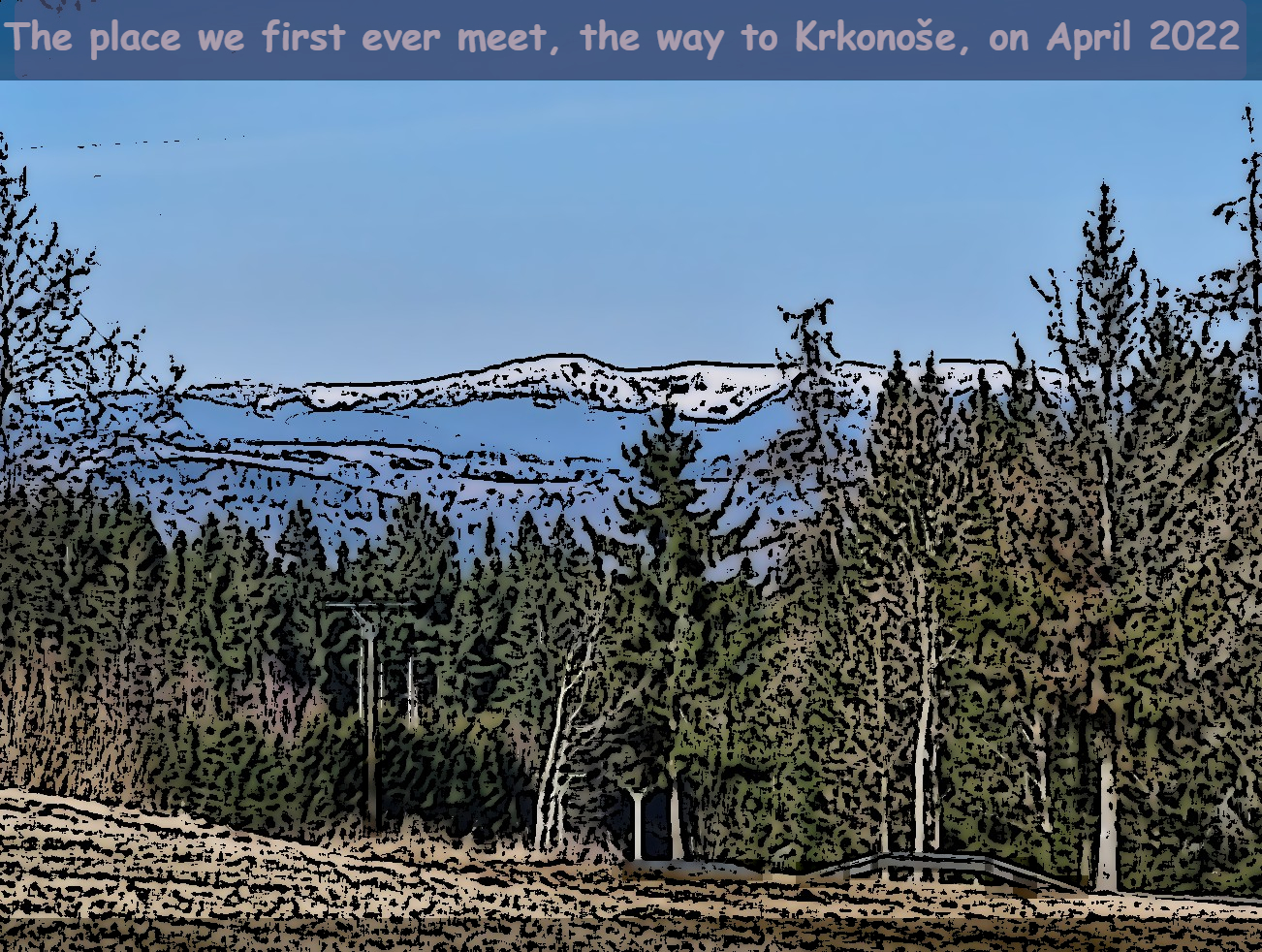
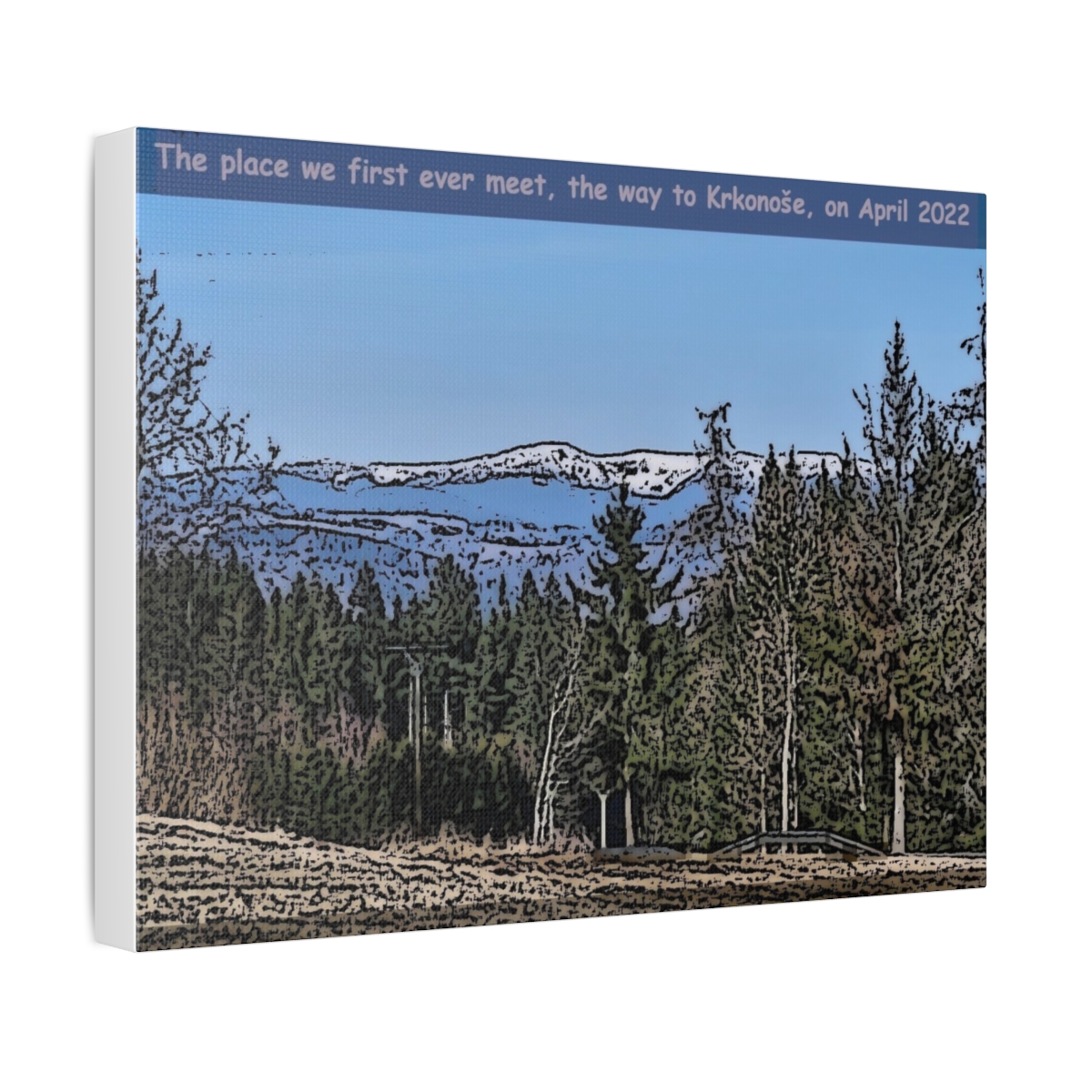
Example — a photo becomes a canvas print

Example — a photo becomes a T-shirt
Example — the same idea on other products
Get the best results
Start with a high-resolution photo
Print quality depends on the source. The larger and sharper your original, the better it looks on a T-shirt or canvas. Avoid heavily compressed or screenshotted images.
Mind the crop for each product
A T-shirt, a mug, and a poster have different shapes. Check the Print Lab preview before ordering so nothing important gets cut off at the edges.
Let the note carry the meaning
A strong notion is image plus words. Keep your note honest and specific — that's what makes people stop, read, and vote.
Preview before you pay
Every order starts as a free preview. Use it. See how it looks first, then choose Pay here or Buy on store only when you're happy.
Your photo. Your note. Your notion.
That's the whole loop. Start small, share what moves you, and let an idea leave the screen when it wants to.